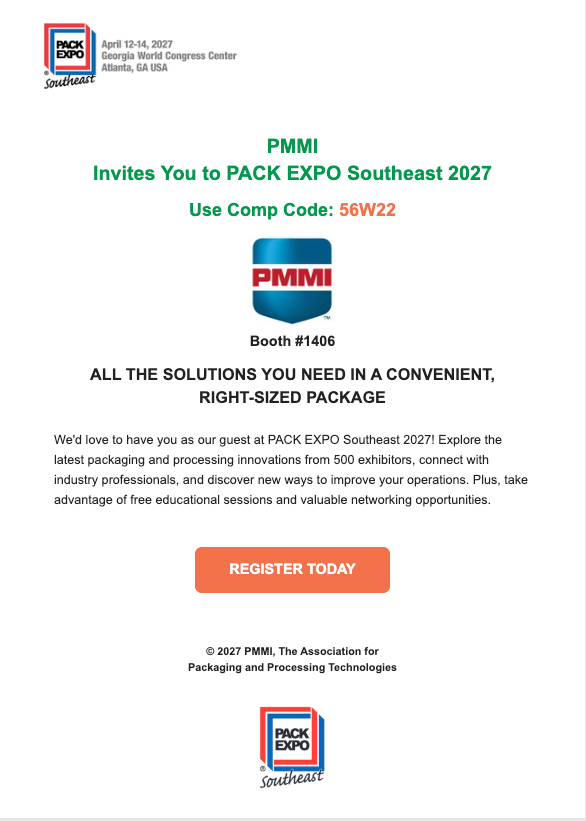
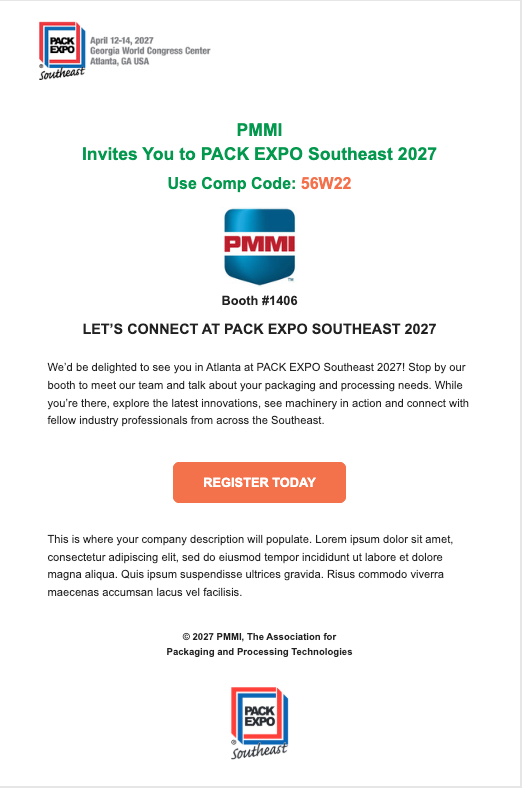
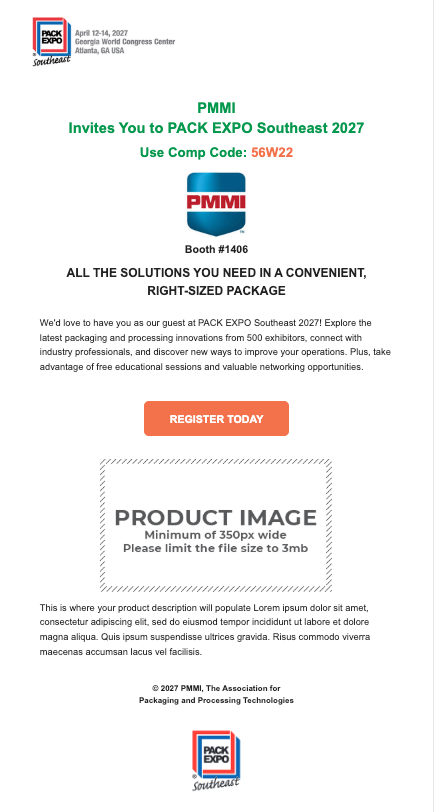
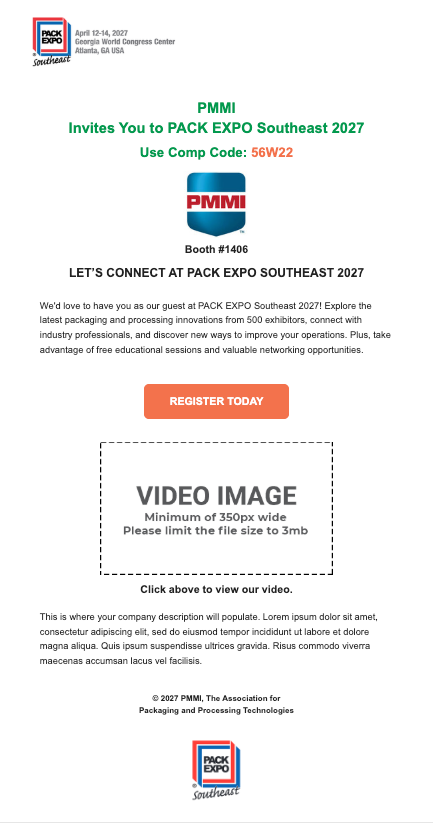
Four email templates have been created to promote your booth. Preview the templates below, then add your custom content, and select to either download the email(s) to send on your own, or upload a qualified list and have Nvytes send the email(s) on your behalf!
If you want Nvytes to send the emails on your behalf, upload your list using the instructions below. Your list is secure and will not be shared with anyone, including show management. Click here to read our Terms of Service that details how your information is protected.
In order to have Nvytes send the emails on your behalf your email content and contact list must be submitted 5 business days prior to the date you wish the email to deploy. All lists must include email addresses with the corresponding country code and be uploaded in CSV or TXT format.
Simple, ready-to-send invitation.
Includes:
Verify your logo and information below.
Adds company description
Includes:
Verify your logo and information below.
Add custom copy in the “Company Description” section below.
Highlights a product with image and copy
Includes:
Verify your logo and information below.
Add custom copy in the “Product Information” section below.
Upload an image of your product. Minimum width 350px. JPG, GIF or PNG Only.
Highlights a company/product video
Includes:
Verify your logo and information below.
Add the link to your video in the “Video Link and Image” section below.
Upload a still image as a video cover. Minimum width 350px. JPG, GIF or PNG Only.
Under "Company Information" please ensure that your profile is accurate.
If the logo that you see is not correct, use the "Choose File" button to upload the correct version.
Add customized content that will be included in your email.
To download your HTML Template, click "Download Customized Emails" button and choose your download method on the next page.
To have NVYTES send your emails, please click "Upload Contact List", review sending requirements and "Choose File" to upload list*.
* Please provide ONLY EMAIL ADDRESSES IN COLUMN "A" AND COUNTRY CODE IN COLUMN "B" OF DATA FILE (CSV or TXT). Please remove all other data fields from data file. Your list is secure and will not be shared with anyone, including show management. See Terms of Service below for details.